Digitize yourself or hire a digitizer?
Doing it yourself suits simple logos, casual use and people with time to test. Paying a digitizer suits complex designs, important runs and tricky fabrics. Whichever route you choose, sew a test piece before a real run.

Once you need a logo stitched, there are two broad routes. You can turn it into an embroidery file yourself, with software or an online tool, or you can pay someone whose job is digitizing to make the file for you. Neither is right for everyone. This post sets out what each route involves so you can decide with your eyes open.
What a digitizer actually does
A professional digitizer does far more than trace a logo. For each shape they decide the stitch type, the direction the stitches run, how dense they are, what goes underneath as underlay, and how much to compensate for the way thread pulls on fabric. They plan the sewing order so the design builds up cleanly, with as few jumps and trims as sensible. And they adapt all of that to the fabric, because a design for a thick towel and one for a thin polo shirt are not sewn the same way.
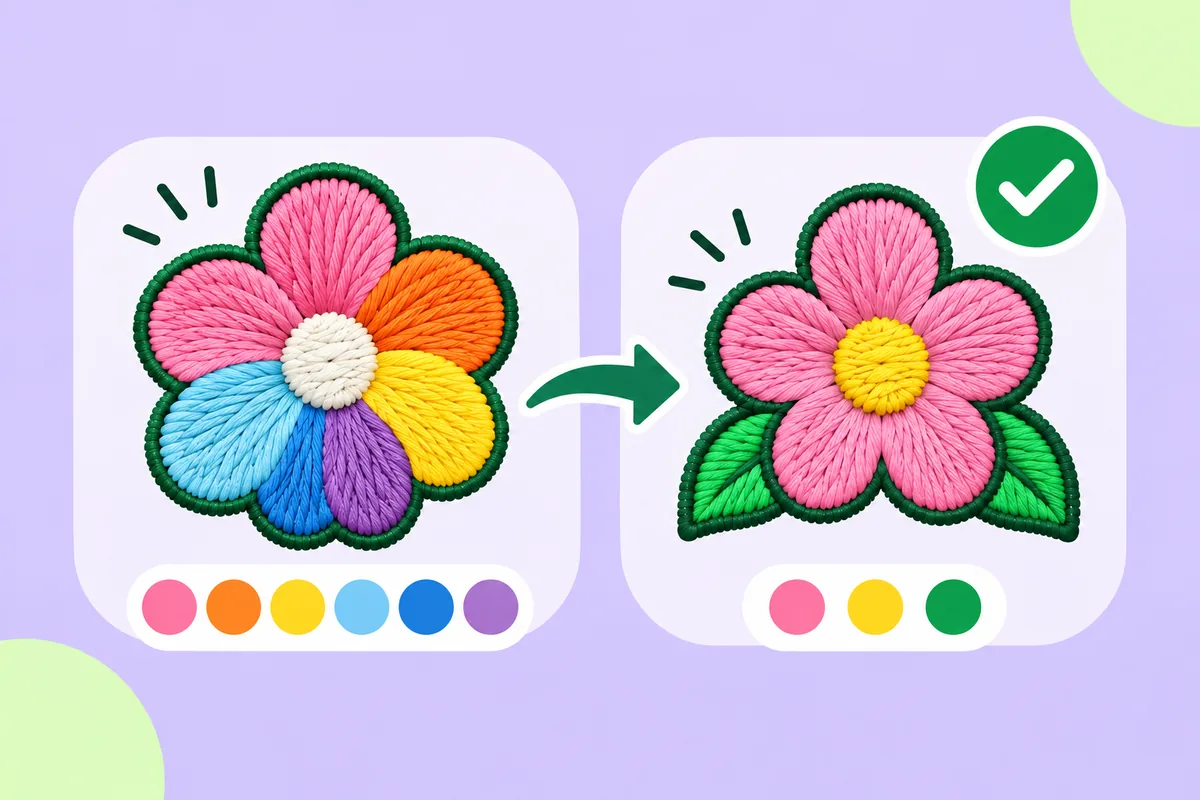
Good digitizers also know when to change the artwork itself: thickening a line that will not hold, dropping a detail that will not read, or adjusting letters so they stay legible at a small size. Much of that judgement comes from having sewn many designs and seen what goes wrong.
When doing it yourself makes sense
Doing it yourself can be a good fit when:
- The logo is simple. A few flat colours, bold shapes and readable text are well within reach of automatic tools and a little editing.
- You own the machine. You can test, adjust and test again without waiting on anyone, and every attempt teaches you something.
- You want to learn. Understanding stitch types and sewing order pays off every time you stitch something new.
- You need to try ideas. Seeing a rough version in stitches early can help you decide whether a logo works in thread at all.
- You make many small variations. If you regularly need the same logo in different colours or with small changes, being able to make the file yourself saves back-and-forth.
When paying a digitizer makes sense
Paying a professional is often the better choice when:
- The design is complex. Fine detail, small lettering, overlapping shapes and lots of colours are where experience shows most.
- It is a large or important run. If the logo is going on many garments or on something expensive, a mistake costs much more.
- The fabric is tricky. Stretchy, thick, textured or very thin materials need adjustments that come from experience.
- You have no time to test. Professional files still benefit from a test sew, but they usually need fewer rounds of changes.
- You need a specific look. Particular textures, special stitch effects or very precise lettering are worth leaving to a specialist.
Questions to ask yourself
A few questions help sort out which route fits:
- How complex is the logo? Count the colours, look at the smallest text and the thinnest lines. The simpler it is, the more doing it yourself makes sense.
- How many pieces will be stitched? A one-off for yourself is very different from a run for a whole team.
- What is the fabric? Simple woven fabric is forgiving. Knits, towels and caps are less so.
- How much time do you have? Doing it yourself means time to learn, test and adjust.
- What happens if the first attempt is not right? If a failed test only costs a scrap of fabric, experimenting is cheap. If it costs a batch of finished garments, caution is worth paying for.
Questions to ask a digitizer
If you decide to pay someone, it helps to ask:
- Which file format they will deliver, and whether it matches what your machine or your embroidery business reads.
- Whether they will make the design for a particular size and fabric, and what happens if you need it at another size.
- Whether a test sew or a stitch preview is included before the final file.
- How changes are handled if the first version needs adjusting.
Prices and turnaround vary a lot between digitizers, so compare a few and look at examples of their stitched work rather than only on-screen images.
A middle path
The choice is not always all or nothing. Many people start with automatic stitches to see how a logo behaves, fix the simple things themselves, and only bring in a professional for designs that turn out to be hard. Others have a professional digitize their main logo once and make simpler extras themselves.
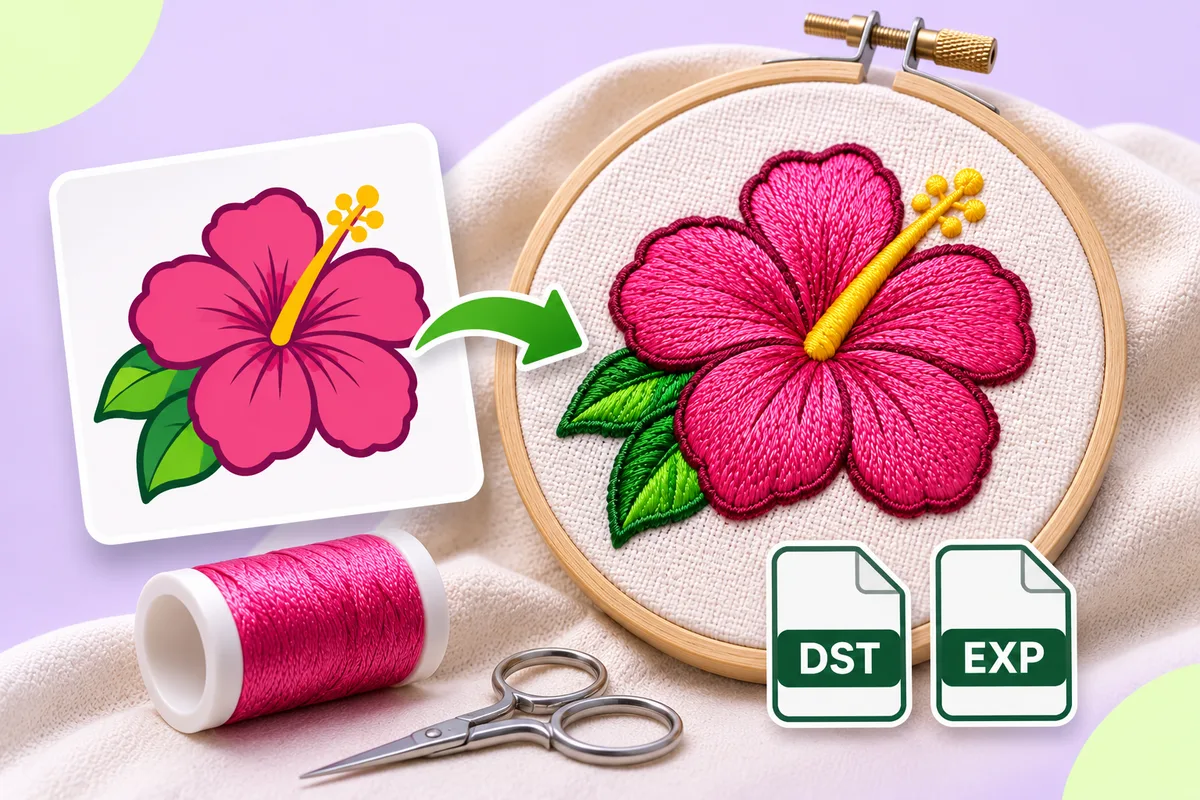
The app on this site is built for that starting point. You upload a PNG or JPG, the colours are found and stitches are chosen for each shape automatically, and you can look at every stitch before exporting a DST file. In the editor you can change any shape's stitch type, split a satin shape, or draw a satin column between two edges. For a simple logo, that may be all you need. For a complex one, it shows you early where the trouble spots are.
Whichever route you choose, test-sew
Automatic results can need editing, and even a professional file can behave differently on a new machine, fabric or thread. Always sew a test on scrap fabric similar to the final material before a real run, and adjust if needed.
- How a logo becomes stitches, step by step: How to turn a logo into an embroidery file
- Try it with your own logo: Upload a logo
- Plans and what an export costs: Pricing