Which file: DST, PES, EXP or JEF?
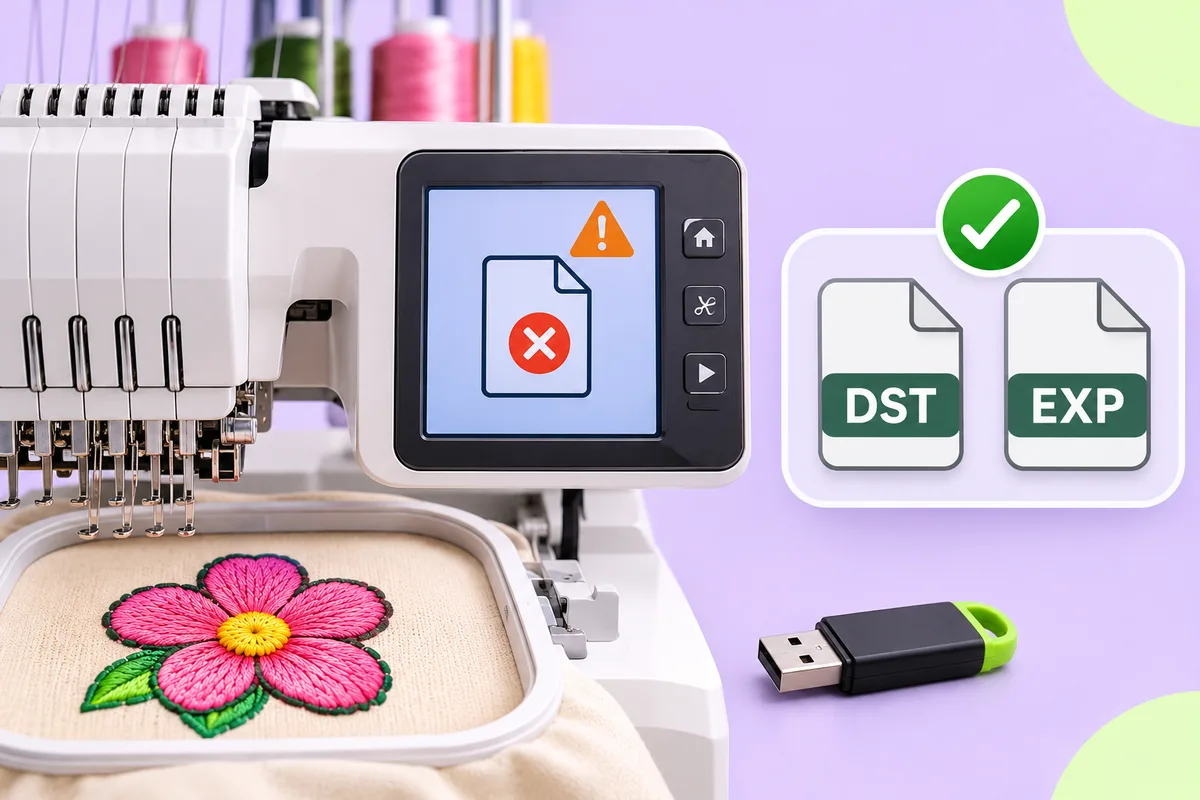
DST, PES, EXP and JEF are all stitch files, but they store slightly different things, such as thread colours. The format you need is the one your machine reads: check its manual or ask whoever will sew the design.

Embroidery machines do not all speak the same language. Depending on the machine, you may be asked for a DST, PES, EXP or JEF file, or for one of a long list of other formats. They all describe stitches, but they store slightly different things. This post explains the differences in plain terms and, more usefully, how to work out which one you actually need.
Stitch files and design files
Before looking at individual formats, it helps to know that there are two broad kinds of embroidery file.
Design files (sometimes called working or object files) are what digitizing software saves while you work. They remember shapes, stitch types and settings, so you can resize a shape or change its stitch type and the software recalculates the stitches.
Stitch files are what the machine reads. They hold the final list of needle moves: stitches, jumps, trims and colour changes, in order. The shapes and settings that produced them are gone.
DST, PES, EXP and JEF are all stitch files. That has a practical consequence: you can sew them, but you cannot easily edit them the way you would edit a design file. Making a stitch file noticeably bigger or smaller, for example, does not recalculate the stitches; it stretches or squeezes the existing ones, which can leave gaps or crowd them together. If you expect to need the design at different sizes, keep the original artwork and make a new stitch file at each size.
DST
DST is one of the oldest and most widely read stitch formats, especially on commercial and multi-needle machines. It is very simple: a short header followed by a list of needle moves, each stored as a small step from the previous position.
What DST does not store is thread colour. A colour change is just a stop in the list. The machine, or the person running it, decides which thread goes on each needle. If you send someone a DST file, send a note of the colours with it.
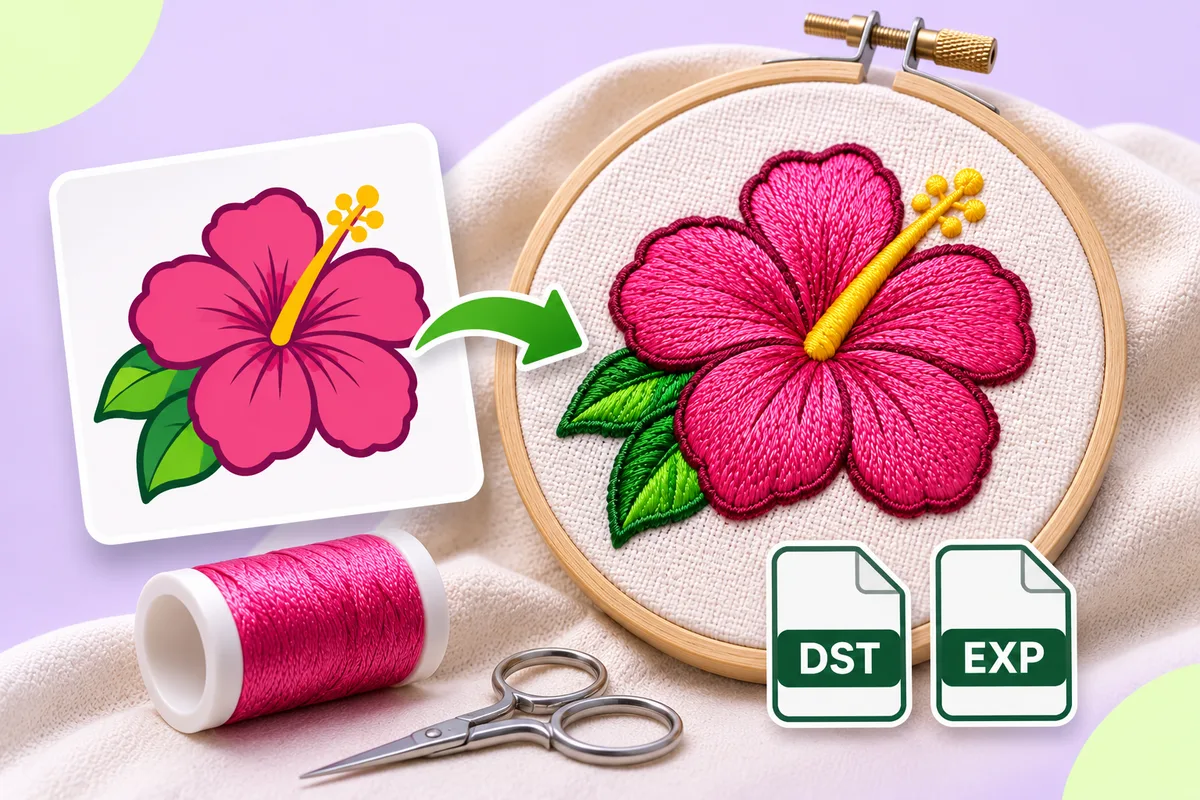
Because it is so plain, DST is a common choice for sharing designs between people with different machines. It is one of the two formats the app on this site exports.
PES
PES is a format made by a machine maker for its own home and small business machines, and it is now read by many other machines and programs as well. A PES file holds the stitches together with extra information, typically including a thread colour for each colour block and a small preview image that the machine can show on its screen.
That extra information makes PES friendlier on a home machine: the screen can show the design in roughly the right colours and remind you which thread comes next.
EXP
EXP is another long-established stitch format, also introduced by a machine maker for its own commercial machines. Like DST, it is essentially a list of needle moves and stops. It does not carry thread colours in the stitch data itself; some setups keep colour information in a separate companion file. The app on this site exports EXP as well as DST.
JEF
JEF is a stitch format from another machine maker, used by its home machines. Alongside the stitches, it usually records which thread colour to use for each block, chosen from that maker's own list of colours, and information about the hoop the design was made for.
So which format do you need?
The honest answer is: the one your machine reads. A few practical ways to find out:
- Check the manual or the maker's website. Look for a section on design files, embroidery data or supported formats.
- Look at a design that already works. If you have a file that sews correctly on the machine, its file extension is a format the machine accepts.
- Ask whoever will do the stitching. If you are sending a logo to an embroidery business, ask which format they want. Many will ask for DST.
- Mind the hoop size. Even in the right format, a design larger than the hoop will be refused or will not fit.
Can you convert between formats?
Because these are all stitch files, converting from one to another is mostly a matter of rewriting the same list of moves in a different layout. That usually works well for the stitches themselves. What can get lost is the extra information: converting a PES file to DST, for instance, drops the thread colours, because DST has nowhere to put them.
Whatever you convert, open the result in a viewer or on the machine and check it before you sew. Then test-sew on scrap fabric first.
What the app on this site exports
Right now the app exports DST and EXP. A format is only offered after designs written in that format read back with the same needle positions and the same sequence of stitches, jumps, trims and colour changes as the original, and every export is checked the same way before it is offered for download.
PES, JEF and VP3 are not offered yet. Written by the library the app uses, they do not read back the same: in PES every jump comes back as a trim (a thread cut), JEF has no trim command of its own, and VP3 loses its jumps. Until that changes, they stay out.
If your machine needs a different format, you can convert the DST or EXP file with your machine's own software or a converter you trust, and check the result before sewing.
- How a logo becomes stitches, step by step: How to turn a logo into an embroidery file
- Try it with your own logo: Upload a logo