What is an EXP file?
An EXP file is a machine embroidery stitch file: a list of needle moves, jumps, stops and trims. It stores no thread colours, so the person at the machine chooses them. Check the size and sewing order in a preview before you sew.

An EXP file is a machine embroidery stitch file: a list of needle moves, jumps, stops and trims that an embroidery machine can read and sew. It is not a picture, and it is not a design file you can easily edit. If someone has asked you for an EXP file, or your machine lists EXP among the formats it reads, this post explains what is inside, how it differs from DST, and what to check before you sew.
What an EXP file contains
An EXP file holds the instructions a machine follows, one after another:
- Stitch: put the needle down at the next point.
- Jump: move to a new position without stitching.
- Trim: cut the thread, usually before a long jump.
- Stop or colour change: pause so the thread can be changed.
That is all. The file does not remember that one group of stitches was a letter and another was a border, and it does not remember which stitch type or settings produced them. It is only the final list of moves, which is why it counts as a stitch file rather than a design file. Our guide to DST, PES, EXP and JEF explains the difference between the two kinds of file.
What an EXP file does not store
The main thing missing is thread colour. In the stitch data, a colour change is just a stop. The machine, or the person running it, decides which thread goes on each needle, so the file cannot tell them that the third block should be red. Some setups keep colour information in a separate companion file, but you should not count on one being there.
The practical advice is simple: whenever you send an EXP file to someone, send a note of the thread colours with it, in the order they are sewn.
A stitch file also forgets the shapes that made it. If you make an EXP file noticeably bigger or smaller, the existing stitches are stretched or squeezed instead of recalculated, which can leave gaps or crowd them together. Make a new file at each size you need.
EXP and DST: what is the difference?
EXP and DST are close relatives. Both are plain lists of needle moves, both are stitch files, and neither carries thread colours in the stitch data. They simply lay that list out in different ways, so a machine that reads one does not always read the other.
For that reason, the right choice is the format your machine or your embroiderer asks for. If you are sending a logo to a business and are not sure, ask which they prefer. DST is one of the most widely read stitch formats, so it is a common default, and EXP is the natural choice when the machine or the person running it asks for it.
You cannot turn a DST file into an EXP file by renaming it. The extension only tells software what to expect; the contents are laid out differently, so a renamed file may be rejected or may sew something unexpected.
How to check an EXP file before you sew
A stitch file cannot be judged by its name, so look at it first:
- Open it in an embroidery viewer, or on the machine's screen. You should see the logo you expect, in roughly the right place.
- Check the size. Make sure the design fits the hoop you plan to use.
- Count the colour stops. The number of colour changes should match the number of thread colours in your plan.
- Look for odd jumps. Long jumps with no trims can leave loose threads across the fabric.
- Sew a test. Use scrap fabric that is similar to the final garment before you sew the real thing.
If the machine does not show the file at all, check the format first, then the way the file was copied to the machine. Your manual will say how files need to be stored.
Getting an EXP file from a logo
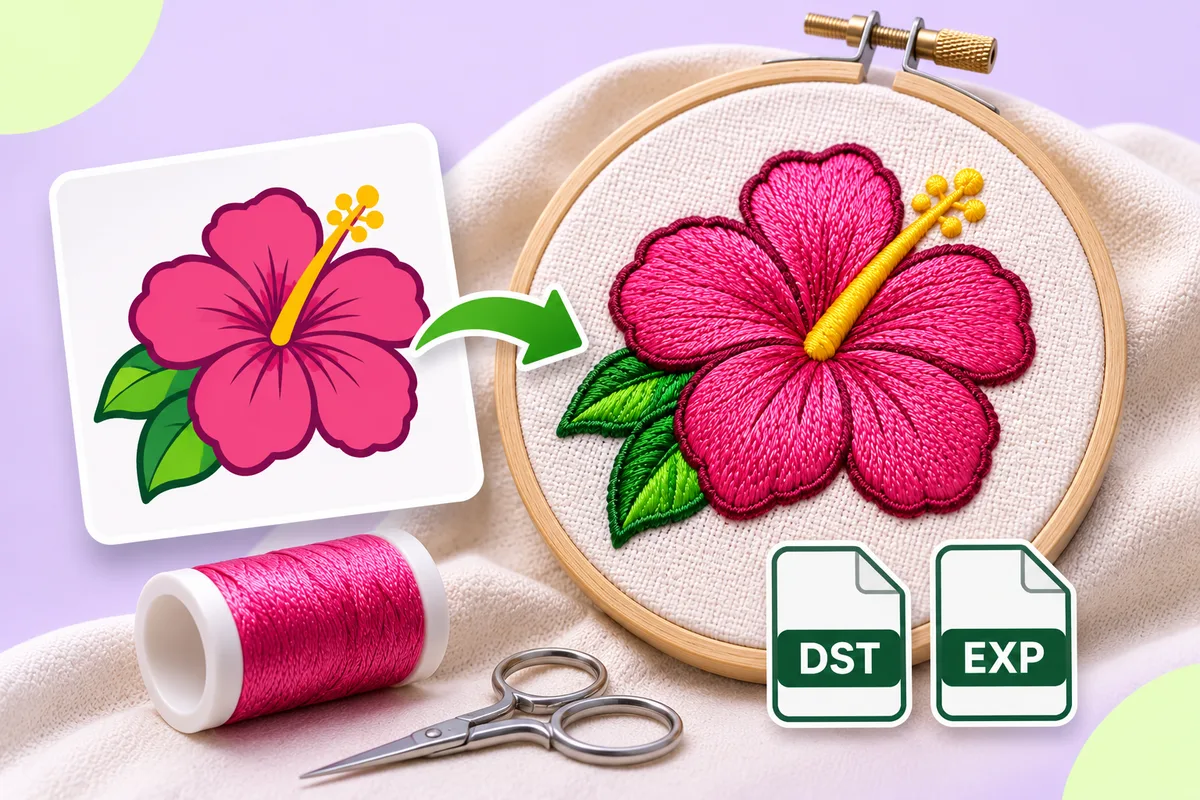
The app on this site exports both DST and EXP. You upload a PNG or JPG, check the preview, and choose the format your machine reads when you download. Upload a logo and look over every stitch in the preview first. Automatic results can need editing, so test-sew before a full run.
Because EXP has no place for thread colours, keep a note of the colours you chose in the editor and pass it on with the file. For how a picture becomes a stitch file in the first place, read PNG to DST: what happens to your image.
FAQ
What is an EXP file used for?
It is a stitch file that an embroidery machine reads to sew a design. It lists the needle moves, jumps, trims and colour stops in order.
Can an EXP file store thread colours?
Not in the stitch data. A colour change is only a stop, so the person running the machine chooses the threads. Send a colour note with the file.
Is EXP the same as DST?
No. Both are plain lists of needle moves, but they are laid out differently, so a machine that reads one may not read the other.
Can I convert an EXP file to another format?
Usually, because converting mostly means writing the same list of moves in a different layout. Extra information, such as thread colours, can be lost, so check the result before you sew.