Embroidery puckering and thread breaks
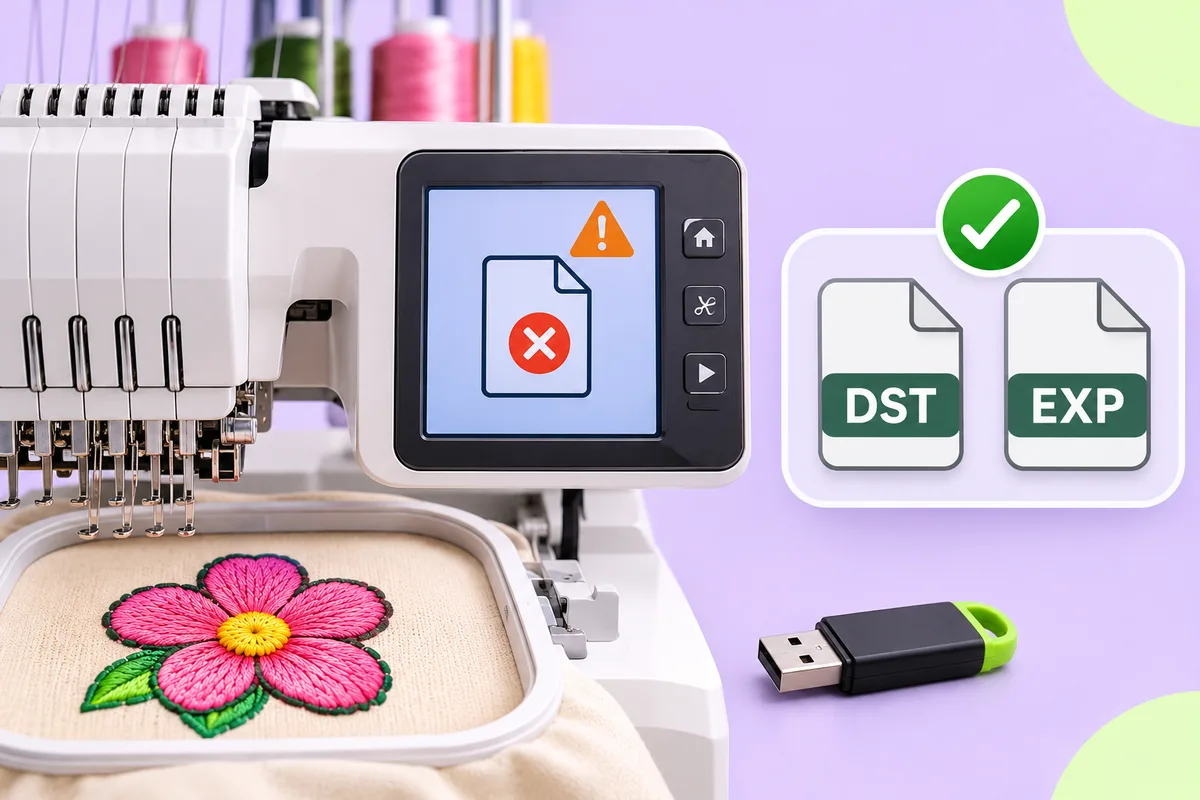
Start with the setup: test on the real fabric and stabilizer, fit a new needle, and check the thread, hooping and tension. If the problem keeps appearing in the same spot, look at the design for too much density or overlapping stitches.
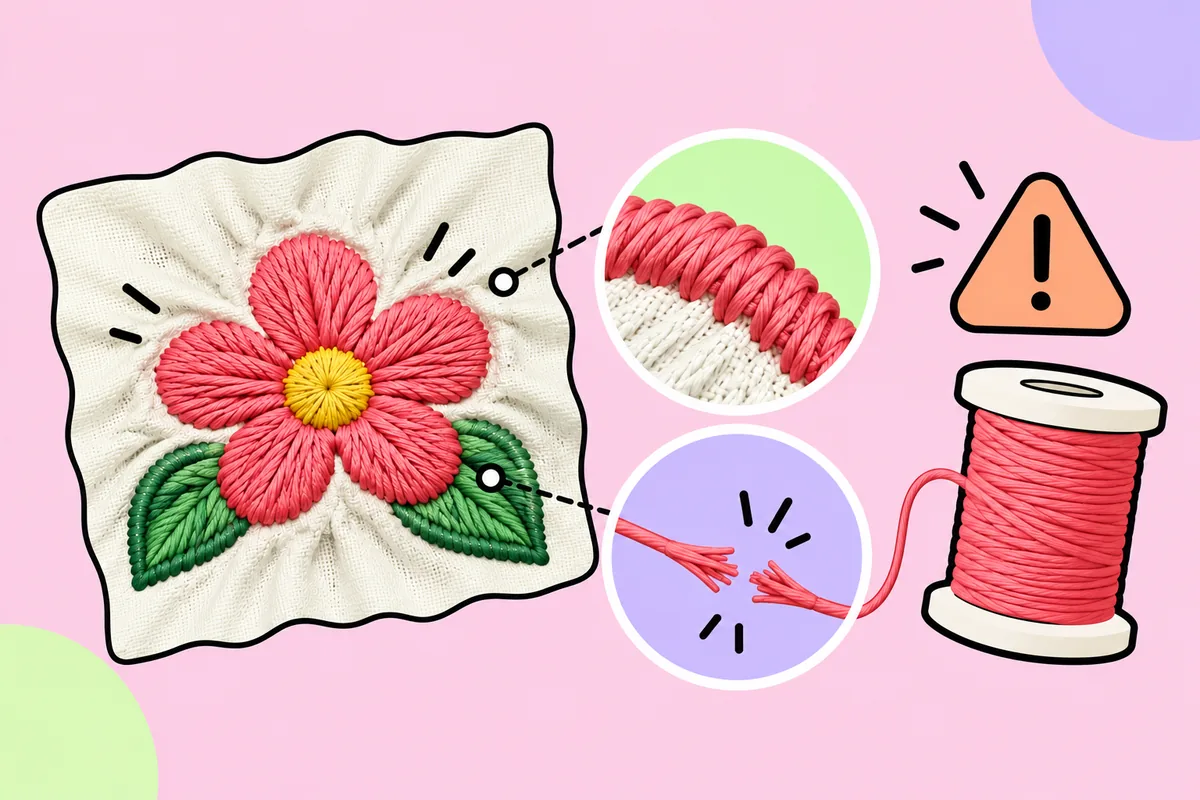
Puckering of the fabric around the stitches and thread breakage during embroidery are two of the most common issues; yet, attempts to resolve these problems are often misdirected. For instance, one might adjust the machine's tension when the design is actually too dense, or rework the design when the stabilizer is the true culprit.
The key is to determine where the problem actually lies. Puckering and registration errors can stem from machine settings, stabilization, the needle, the thread, the fabric, resizing, or the digitizing process, whether due to a single cause or a combination of several factors. This guide categorizes these potential causes, helping you know where to begin your troubleshooting.
The short answer
- Puckering, design causes: density too high, no underlay, stitches stacked in one spot.
- Puckering, setup causes: wrong or missing stabilizer, loose hooping, tension too tight.
- Thread breaks, design causes: overlapping fills, extreme density, tiny details.
- Thread breaks, setup causes: tension, wrong needle, poor thread, heavy backing.
Puckering: design causes
Thread does not behave like a layer of paint; it must fit somewhere specifically, between the fibers of the fabric. If an area contains more thread than there is available space within the fabric, the thread pushes the fibers apart, causing distortions, creases, or puckering. Using a stabilizer does not entirely resolve this issue. This is why the appearance of puckering is generally linked to stitch density, rather than the level of detail in the design.
What to change in the design:
- Reduce density. If the rows of a fill sit very close together, space them a little further apart. Reducing density allows the stitches to "breathe." See stitch count and density explained.
- Avoid overlapping. Stacking multiple layers of stitches in the same area creates thick, rigid spots.
- Use an appropriate underlay. The underlay stabilizes the fabric before the final (top) stitches are applied.
- Be careful when resizing. Significantly changing the size of a design alters the required density, which can negatively affect the final result.
- Match the design to the fabric. A dense design suitable for a heavy twill might cause a lightweight knit fabric to pucker.
Puckering: setup causes
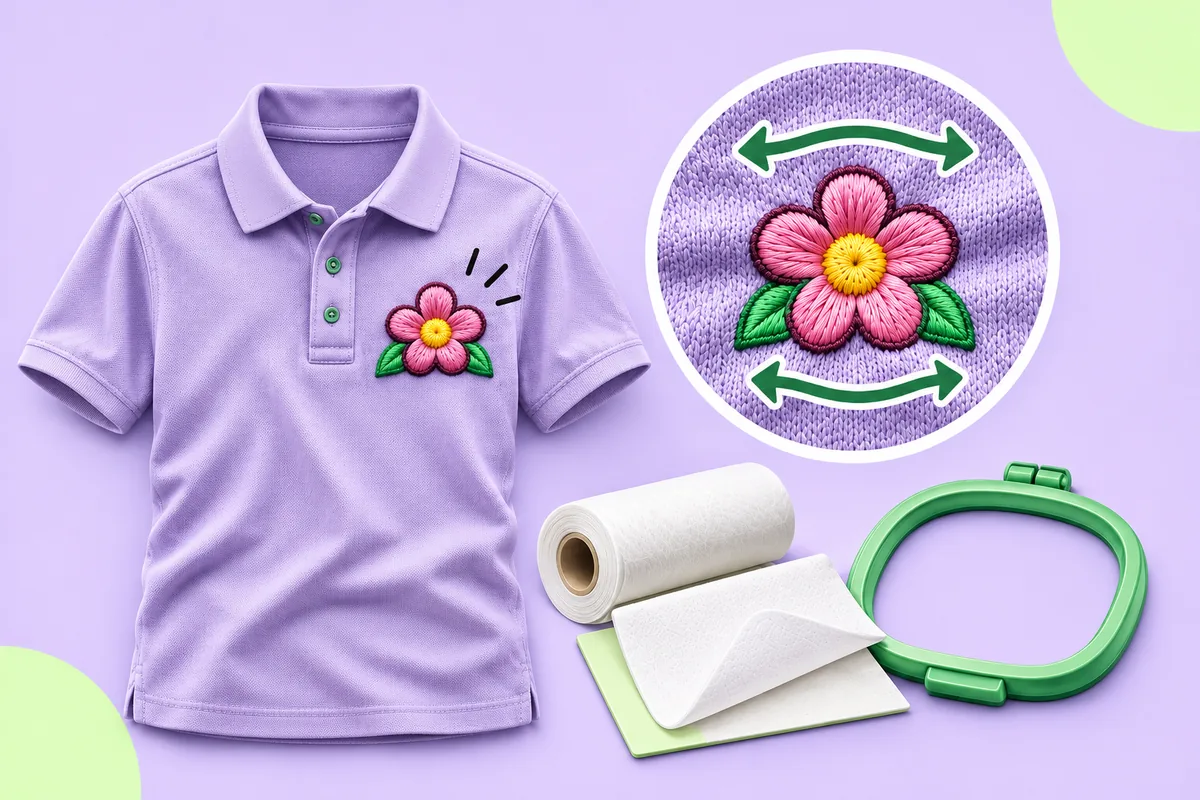
- Stabilizer. A "cutaway" stabilizer is generally recommended for stretch fabrics, while a "tear-away" stabilizer is suitable for stable woven fabrics. A lightweight stabilizer will not provide sufficient support for a heavy fabric; furthermore, dense designs may require multiple layers of stabilizer.
- Hooping. Fabric that is too loose or unevenly stretched may shift during embroidery. Ensure the fabric is taut within the hoop, but take care not to stretch it. If the fabric is stretched, it will return to its original shape once removed from the hoop, which will distort the design.
- Tension. Excessive tension can cause the fabric to pucker or pull. Always perform a test on a scrap piece of fabric first.
- Pre-washing. Fabric and stabilizer may shrink at different rates over time. Washing the fabric before embroidery helps to minimize this issue.
Thread breaks: design causes
Thread breaks often trace back to too much stitch stress in the same area.
- Overlapping fills. Layers of overlapping stitches create extreme density.
- Very small details. Tiny shapes force many short stitches and repeated needle penetrations in a small space.
- Don't fix gaps by simply raising density. That can cause breaks and puckering on its own.
Thread breaks: setup causes
- Tension. Thread breakage and even needle breakage is often caused by tension issues, particularly those related to the amount of thread on the spool and how it is wound.
- Needle. Use a fine, sharp embroidery needle capable of piercing the fabric without damaging it. Replace it regularly.
- Thread quality. Use embroidery thread for both the top thread and the bobbin thread. Most designs are created for 40-weight thread.
- Thick stabilizers or adhesives. Rigid stabilizers and overly sticky adhesives increase thickness and can contribute to thread breakage.
A troubleshooting order that saves time
- Perform a test run using the actual fabric and stabilizer you intend to use. Never evaluate a design based on a scrap of fabric that does not match your final material.
- Check the basics: a new needle, the correct thread, fabric properly taut within the hoop, and an appropriate stabilizer.
- Test the tension on a scrap piece of fabric.
- Only after these checks should you consider the design itself as a potential source of the issue. If a problem consistently occurs in the same spot, it is likely due to excessive density or overlapping stitches.
- Review the design preview again. Look for areas that appear dense or dark, or places where stitches overlap.
Avoid design-side problems before they reach the machine
Design flaws are easiest to correct because they're visible on screen. The converter on this site lets you import a logo in PNG or JPG format and preview each stitch before exporting. This allows you to spot dense areas and small details before they lead to wasted thread, time, and garments. Automatic results can need editing, so test-sew before a full run. Combine this with a simple, clean logo (see how to prepare a logo for embroidery) and many problems never happen.
Related: stitch count and density explained and minimum text size in embroidery.
FAQ
What causes embroidery puckering?
Common causes are density that is too high for the fabric, the wrong or missing stabilizer, loose or uneven hooping, and thread tension that is too tight.
Why does my embroidery thread keep breaking?
In the design, overlapping fills and extreme density put too much stress on one area. In the setup, tension problems, the wrong needle, poor thread or heavy backings are common causes.
Which stabilizer should I use?
Cutaway is generally recommended for stretchy fabrics and tear-away for stable woven fabrics. Dense designs may need a heavier or double layer.
Can digitizing cause puckering?
Yes. Too much density, stacked stitches and missing underlay can pull the fabric. Setup issues like hooping and stabilizer can cause it as well.